

My Ukulhas
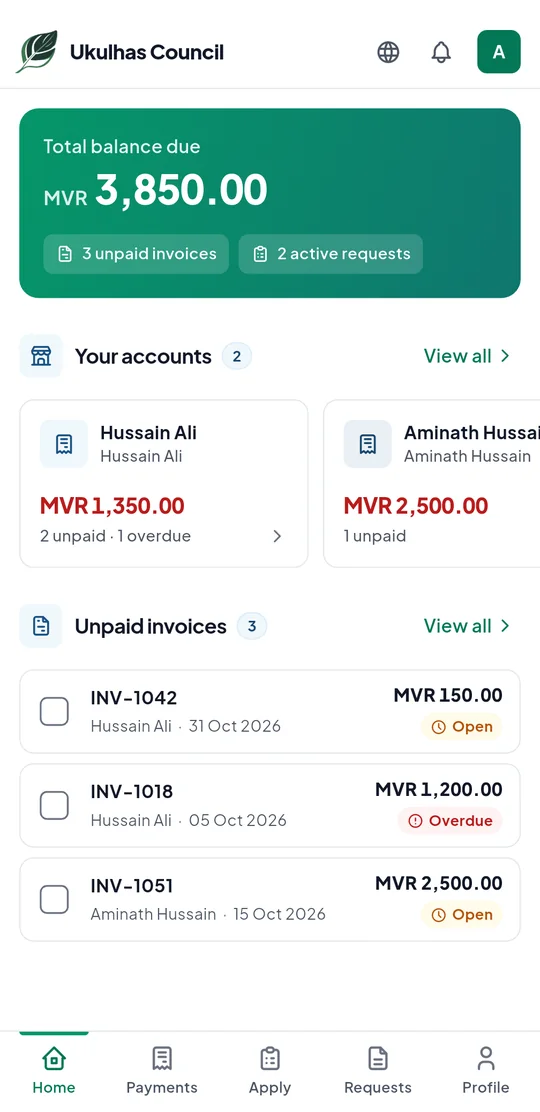
The Ukulhas Council app. Pay council bills, apply for services and follow your requests — wherever you are.
The app is on its way to Google Play and the App Store.
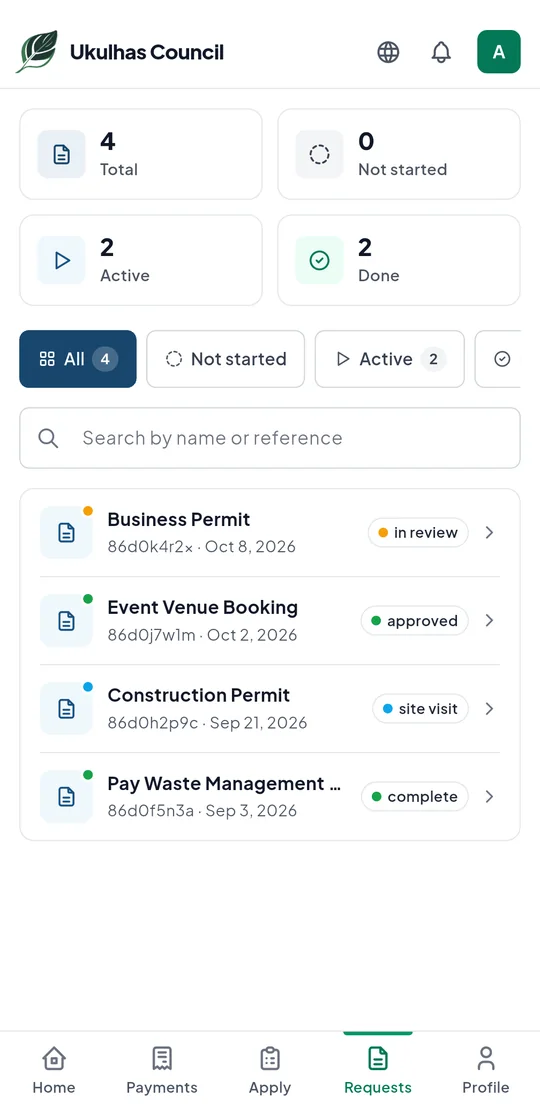
See the app
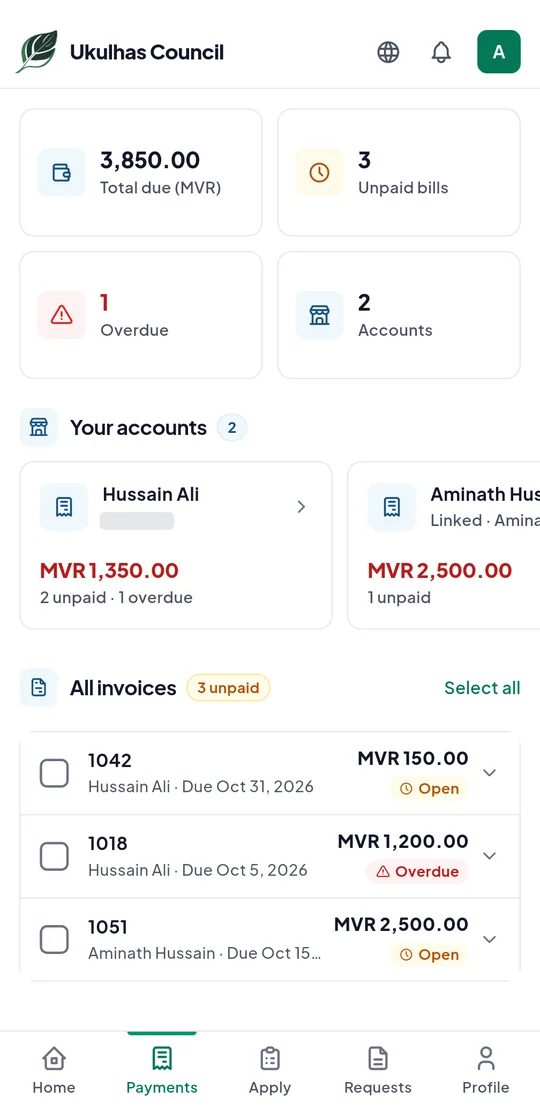
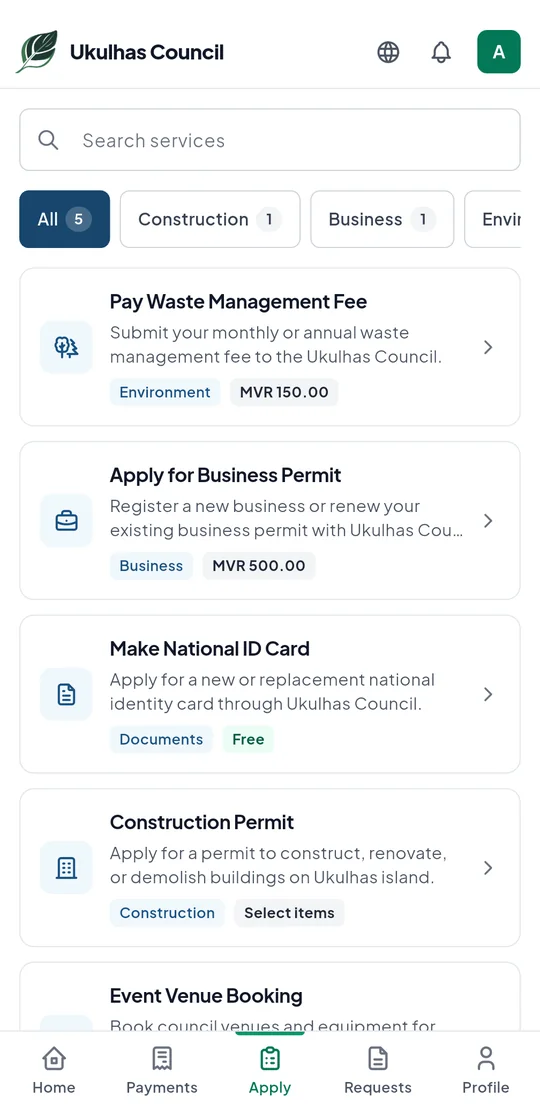
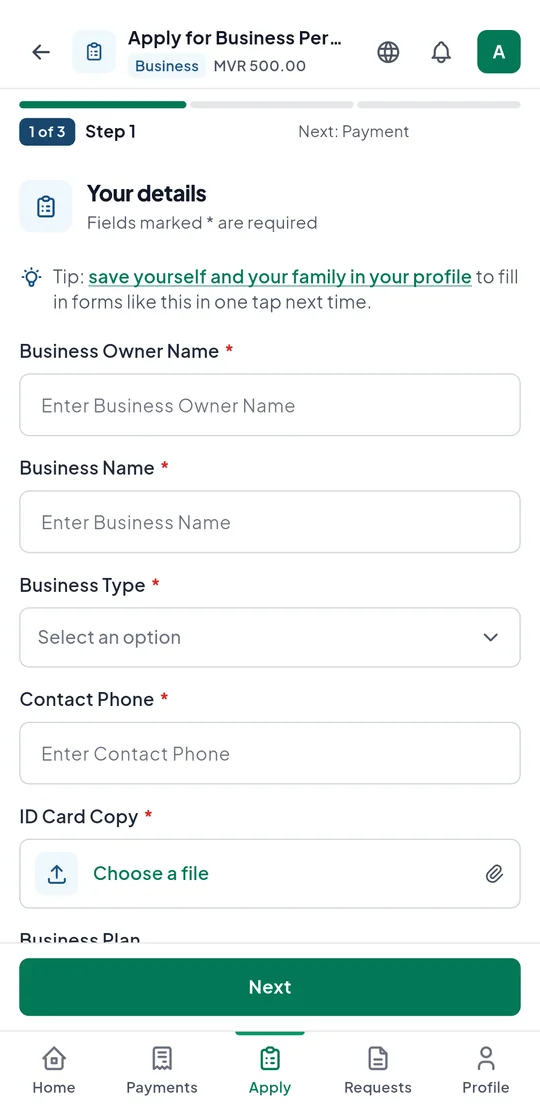
Taken on an Android phone. The names and bills shown are examples.
What you can do
Pay your bills
See what you owe the council and pay securely through Bank of Maldives.
Apply for services
Fill in council applications step by step, right from your phone.
Track your requests
Follow each request from the day you send it until it’s done.
Link your accounts
Manage bills for your home and your business in one place.
Save your family’s details
Apply for your children or parents and fill in their details in one tap.
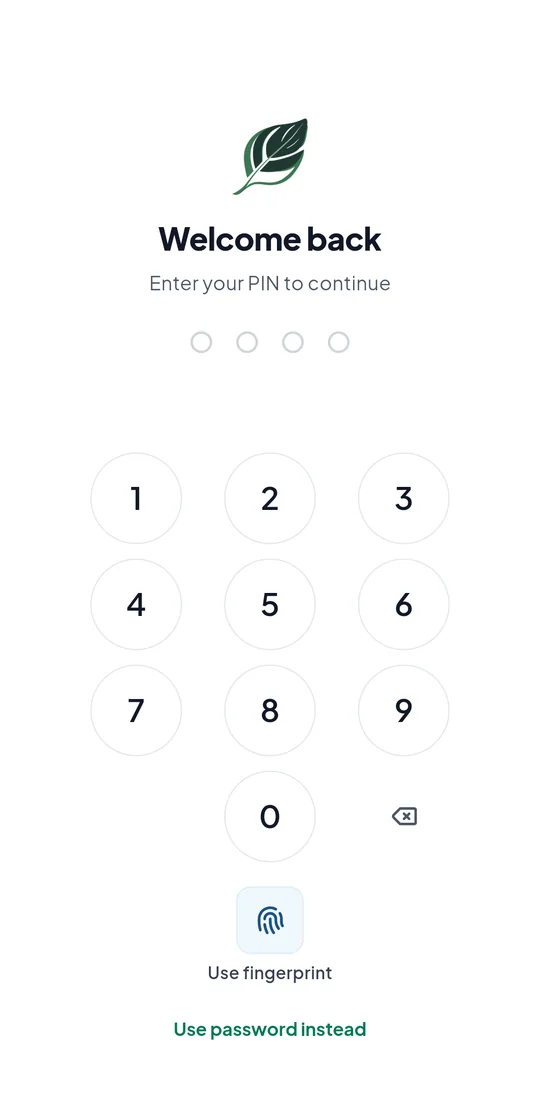
Locked with a PIN
Open the app with a 4-digit PIN, or your fingerprint or face on phones that support it.
Getting started
- 1
Download the app
My Ukulhas will be on Google Play and the App Store soon.
- 2
Sign in
Use the same email and password as your citizen portal account on this website.
- 3
Set your PIN
Choose a 4-digit PIN so only you can open your account.